preparing ai images for real use: a post-generation checklist
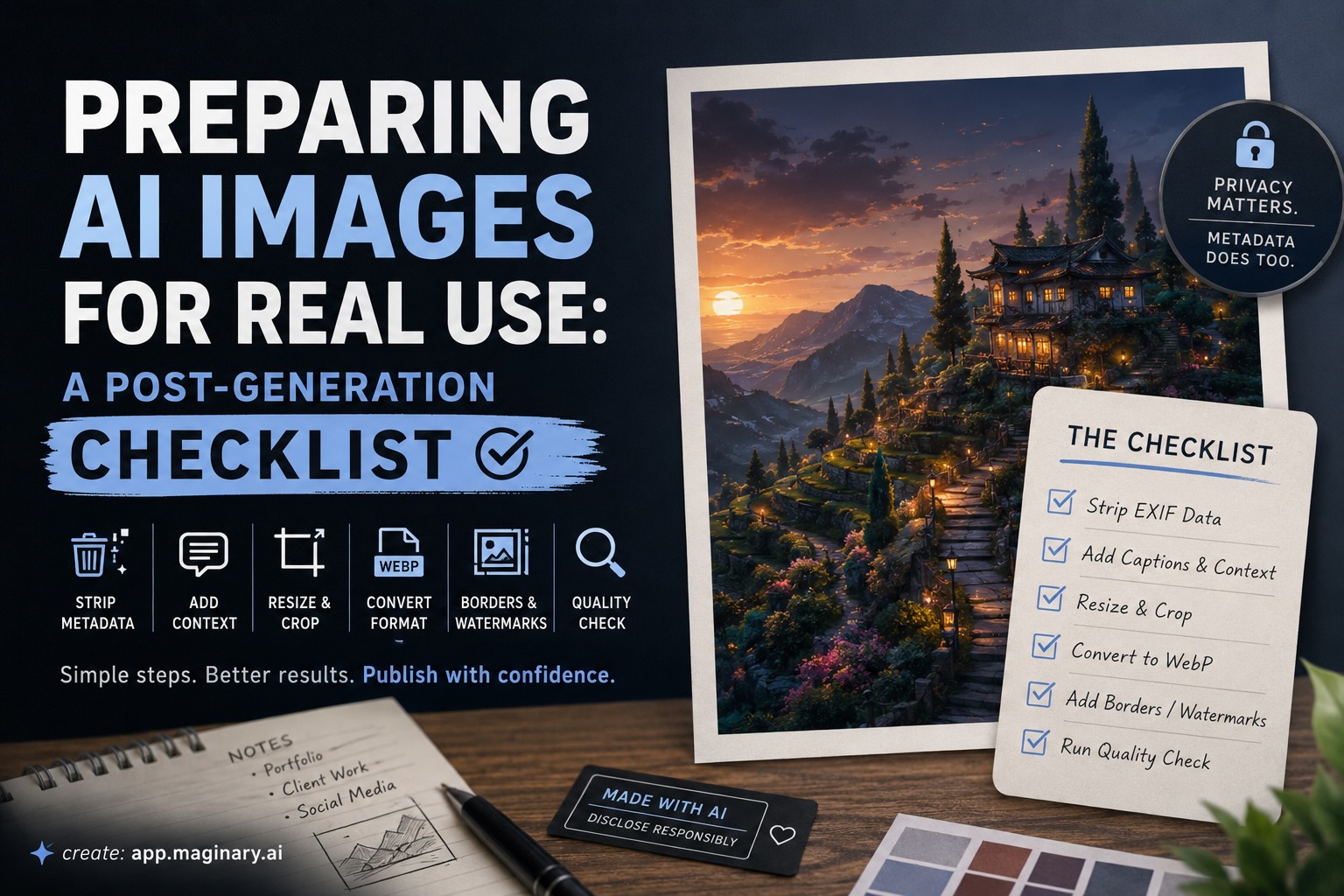
generating an image takes seconds. getting it ready to actually use, whether in a portfolio, a client deck, or a social post, takes a few more steps that most people skip. the result is images with embedded metadata they did not intend to share, wrong dimensions for their platform, or no attribution context at all.
this checklist covers what to do between “download” and “publish.”
strip the exif data
every image file can carry exif metadata: camera model, gps coordinates, software version, timestamps. ai generators handle this differently. some embed the model name and prompt text. others write generic software tags. a few write nothing at all.
the problem is not what the metadata says. the problem is that you do not know what it says until you check. uploading a client deliverable with a “stablediffusion” software tag or a generation timestamp that contradicts your project timeline creates unnecessary questions.
before sharing any ai-generated image externally, run it through an exif removal tool. browser-based options handle this without uploading to a server. the file size usually drops slightly, too, since metadata chunks get removed.
one specific reason to care: exif data is one of the four forensic signals used to detect image manipulation. if someone examines your image, mismatched or ai-specific metadata tags are the first thing they will find. for a thorough breakdown of how metadata forensics works alongside error level analysis, clone detection, and noise consistency checks, see this:
guide to detecting manipulated imagesadd captions and context
ai-generated images arrive with no context. no title, no description, no alt text. if you are publishing to the web, that means search engines and screen readers get nothing.
write a caption before you upload. keep it descriptive and specific. “a watercolor illustration of a terraced hillside at dusk” is useful. “ai art” is not.
for social media, the caption is also where you disclose that the image is ai-generated, if your platform or audience expects that. several platforms now have formal disclosure requirements, and even where they do not, transparency tends to build more trust than it costs.
resize and crop for the target platform
ai generators typically output square or fixed-ratio images. instagram feed posts use 1:1 or 4:5. linkedin article headers want 1200x627. twitter/x cards render best at 2:1.
resizing after generation is faster than re-prompting for a different aspect ratio, especially when you already have the composition you want. crop from the center or use content-aware scaling to keep the focal point intact.
if you generated at a high resolution (maginary outputs up to four variations per prompt), pick the strongest variation first, then resize that one. do not resize all four and then choose. it saves time.
convert to the right format
png is the default output for most generators. it preserves quality but produces large files. for web use, convert to webp, which cuts file size by 25-35% at equivalent visual quality. for print, keep the png or export to tiff.
animated outputs, if your generator supports video or motion, need a different path. gif works for short loops under a few seconds but loses color depth. mp4 is smaller and sharper for anything longer.
add borders or watermarks when needed
for portfolio presentation, a thin border or matte frame around an ai image separates it from the page background and gives it a finished look. white or light gray borders work for most compositions. dark borders suit high-key or neon-palette images.
watermarking is a different decision. if you are sharing previews with clients before final payment, a semi-transparent watermark protects the work. if you are posting finished pieces publicly, watermarks tend to reduce engagement without providing meaningful protection, since they are trivial to crop or clone out.
run a final quality check
before you send or publish, zoom to 100% and scan for common ai artifacts: malformed fingers in character illustrations, text that almost but does not quite spell real words, repeating patterns in backgrounds, or lighting inconsistencies at object edges.
these are easy to miss at thumbnail size. they are not easy to miss when a client views the image on a 27-inch monitor.
the short version
strip metadata. add a caption. resize for your platform. convert to the right format. add borders if the context calls for it. check for artifacts at full resolution. six steps, a few minutes of work, and the difference between an image that looks generated and one that looks finished.
create: app.maginary.ai
published via: fokal.com